
The API (Application Programming Interface) provides automated communication between connected systems. In order to automate fulfillment, access to the Precision Total Fulfillment API must be enabled.
If you have not yet gathered your API credentials, follow these steps first:
Enter API credentials in DropStream
- In your DropStream Dashboard, click Merchants.
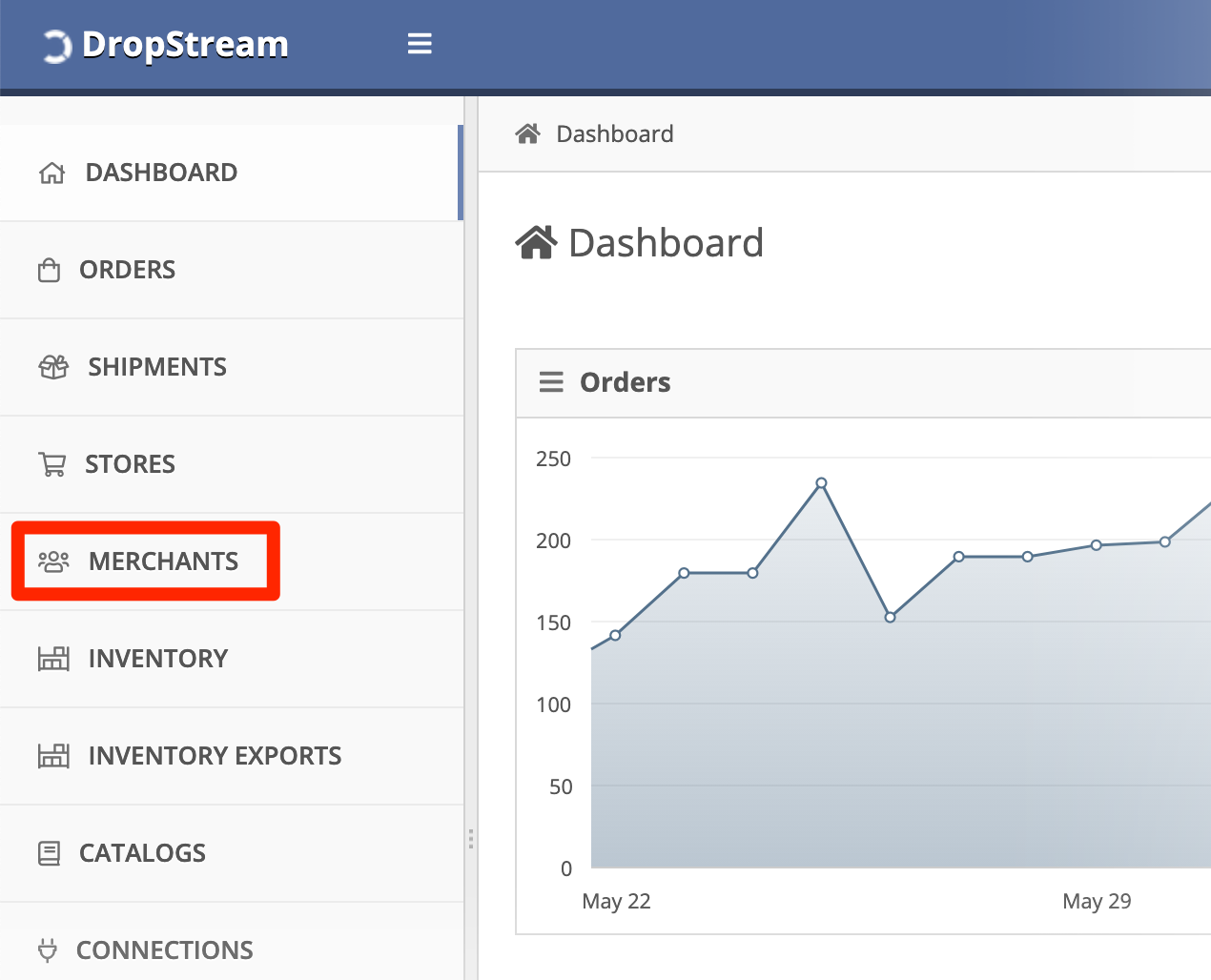
- Click the name of your Precision Total Fulfillment merchant.
- In Connection details, enter your API credentials:
- Sender Code
- FTP Username
- FTP Password
- Carrier Billing Code — one of:
Collect/ConsigneeBill RecipientPrepaidThird Party
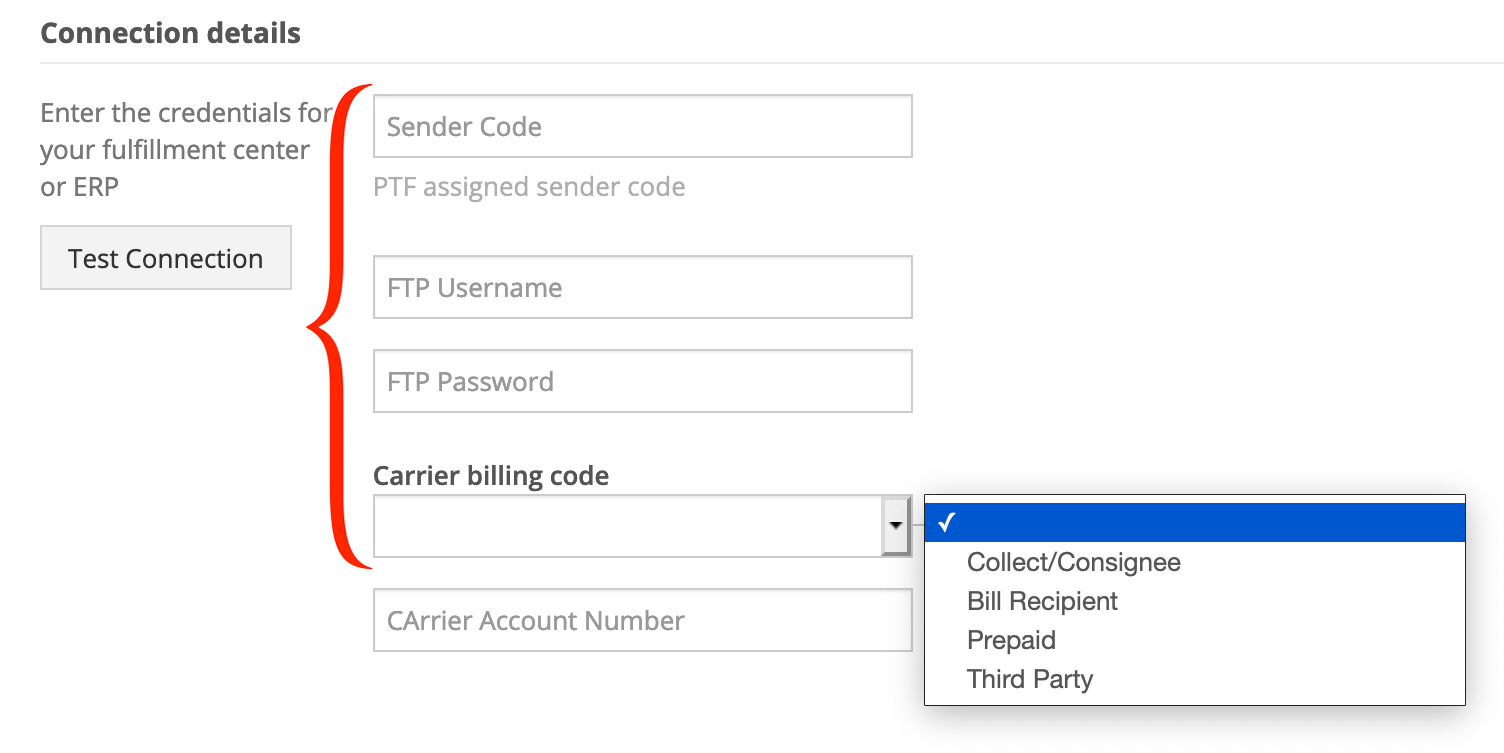
- Optional: Enter the Carrier Account Number, if applicable.
- When you're done, click Save changes.

Back to: Integration Overview
Comments
Please sign in to leave a comment.